

Why distance and noise become the real blockers
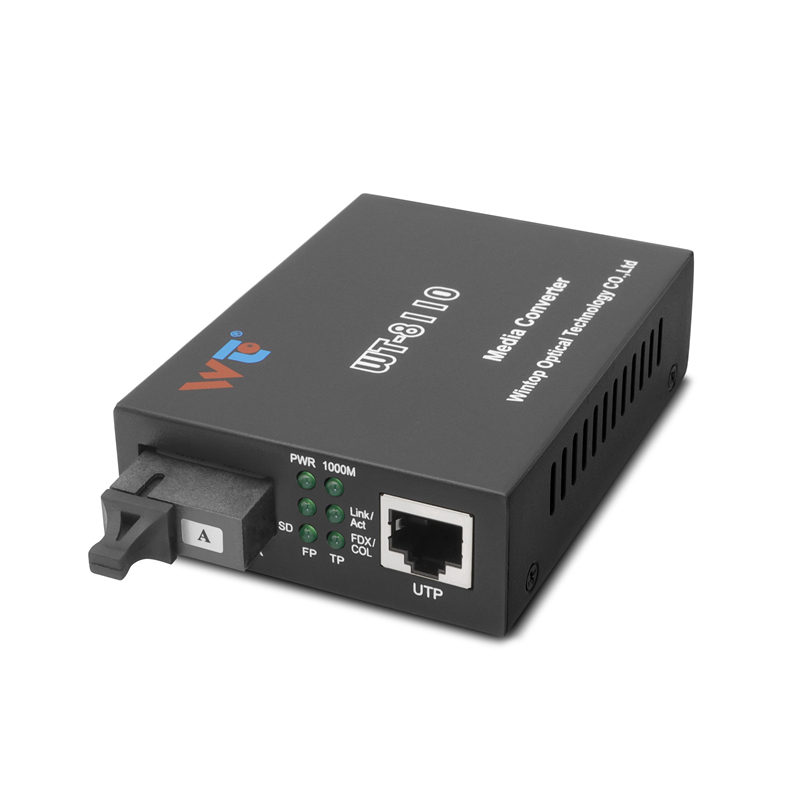
Most small-to-medium networks hit a sudden ceiling: copper Ethernet tops out near 100 meters, electromagnetic interference shrinks margins, and patching together switches adds points of failure. That’s the problem this piece solves with practical steps and hardware choices that populate real racks. Start by considering a simple tool—a gigabit fiber media converter—to push past copper limits without upheaval. Pairing SFP optical transceivers with converters and proper cabling turns a fragile long-run into a predictable link.
What a problem-driven approach looks like in the field
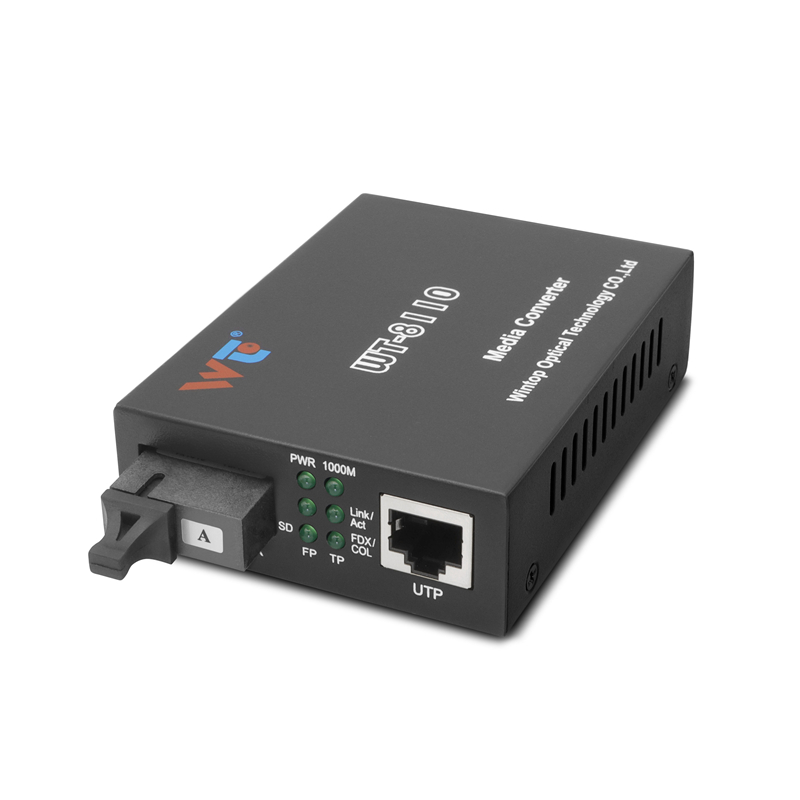
Begin with symptoms, not jargon: frequent packet loss over runs longer than 80–90 meters, intermittent link drops near heavy electrical equipment, or a need to bridge buildings without digging trenches. Tackle the symptom by replacing the copper segment with fiber using an SFP transceiver and a compatible media converter—often a faster fix than redesigning the whole layer. For many campus deployments and municipal upgrades—Chattanooga’s early gigabit municipal rollout showed how fiber can convert a city’s connectivity profile—this targeted swap delivered stable throughput over kilometers where copper could not.
Practical checklist: pick and deploy the right modules
Keep decisions concrete. Use this checklist during procurement and install:
– Match the SFP transceiver wavelength and connector type (LC, SC) to your fiber: single-mode for long runs, multimode for short campus links.
– Verify link budget and transceiver power specs so the optical budget clears margin for connectors and splices.
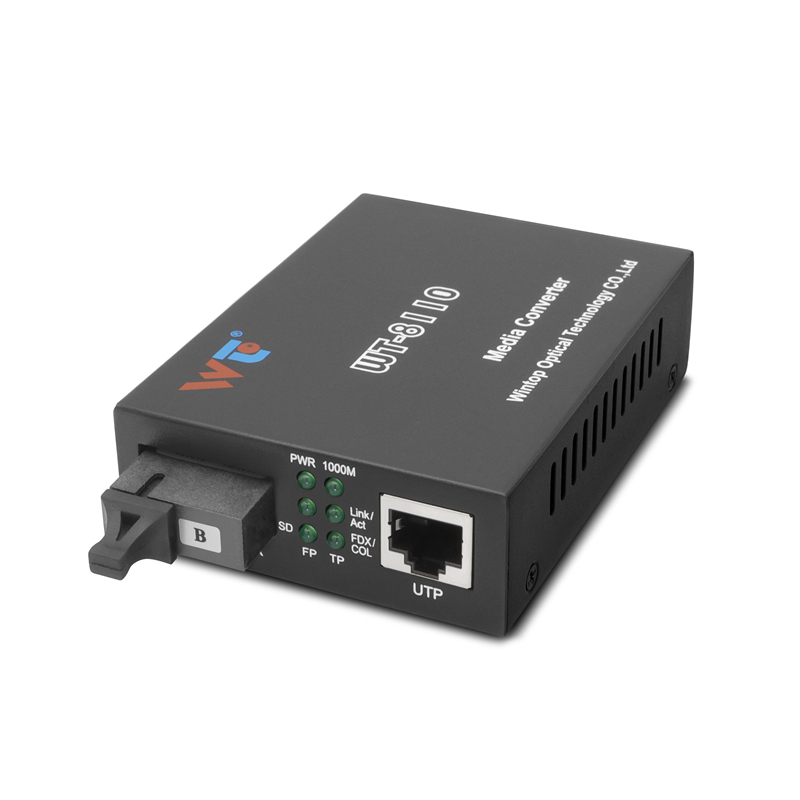
– Use managed switches or a gigabit sfp to rj45 fiber media converter where you must translate between fiber and copper at the edge.
– Test with an OTDR or a simple power meter after install to confirm loss and continuity.
Common mistakes and quick fixes
Avoid these practical traps. First, buying a transceiver only by vendor name—compatibility matters. Second, ignoring connector cleanliness; a speck of dust can drop SNR significantly. Third, failing to calculate the optical budget; that’s an inexpensive oversight that causes repeated truck rolls. Fixes are simple: insist on tested compatibility lists, carry a cleaning kit, and run a one-time loss test post-install. And remember—documenting ports and SFP types saves hours on the next upgrade.
How to verify success: simple metrics to monitor
Measure link-level KPIs that prove the upgrade works. Track these for the first 30 days after cutover: frame error rate, link uptime percentage, and round-trip latency across the fiber segment. Low frame errors, uptime above 99.9% in stable environments, and latency reduction compared with the previous copper run are concrete indicators that the SFP + media converter approach succeeded.
Alternatives, trade-offs, and quick comparison
Fiber via SFP transceivers trades upfront cabling effort for longer-term reliability and distance. Wireless point-to-point can be faster to deploy but suffers from interference and weather. Upgrading to higher-tier copper (shielded or higher category) helps short runs but never matches fiber range. Choose fiber plus media converters when distances, noise, or future capacity needs dominate.
Golden rules and final evaluation metrics
Three golden rules seal the decision: ensure optical budget margin of at least 3 dB beyond calculated loss; always match transceiver specifications to fiber type and connector; and validate each link post-install with a power meter or OTDR. These metrics provide objective checkpoints for any professional evaluating a deployment and protect against repeat fixes.
When ease of expansion and reliable performance matter, tested SFP transceivers and media converters cut friction and keep teams focused on service rather than hardware headaches. For dependable modules that fit these rules, consider hardware from vendors who publish clear compatibility and test results—WINTOP fits that profile as a practical source of tested parts WINTOP. —